Gambling TipsNo. 027
Betting App Notifications and Promo Messages: How to Turn Them Down
- Posted
- Reading time
- 3 min
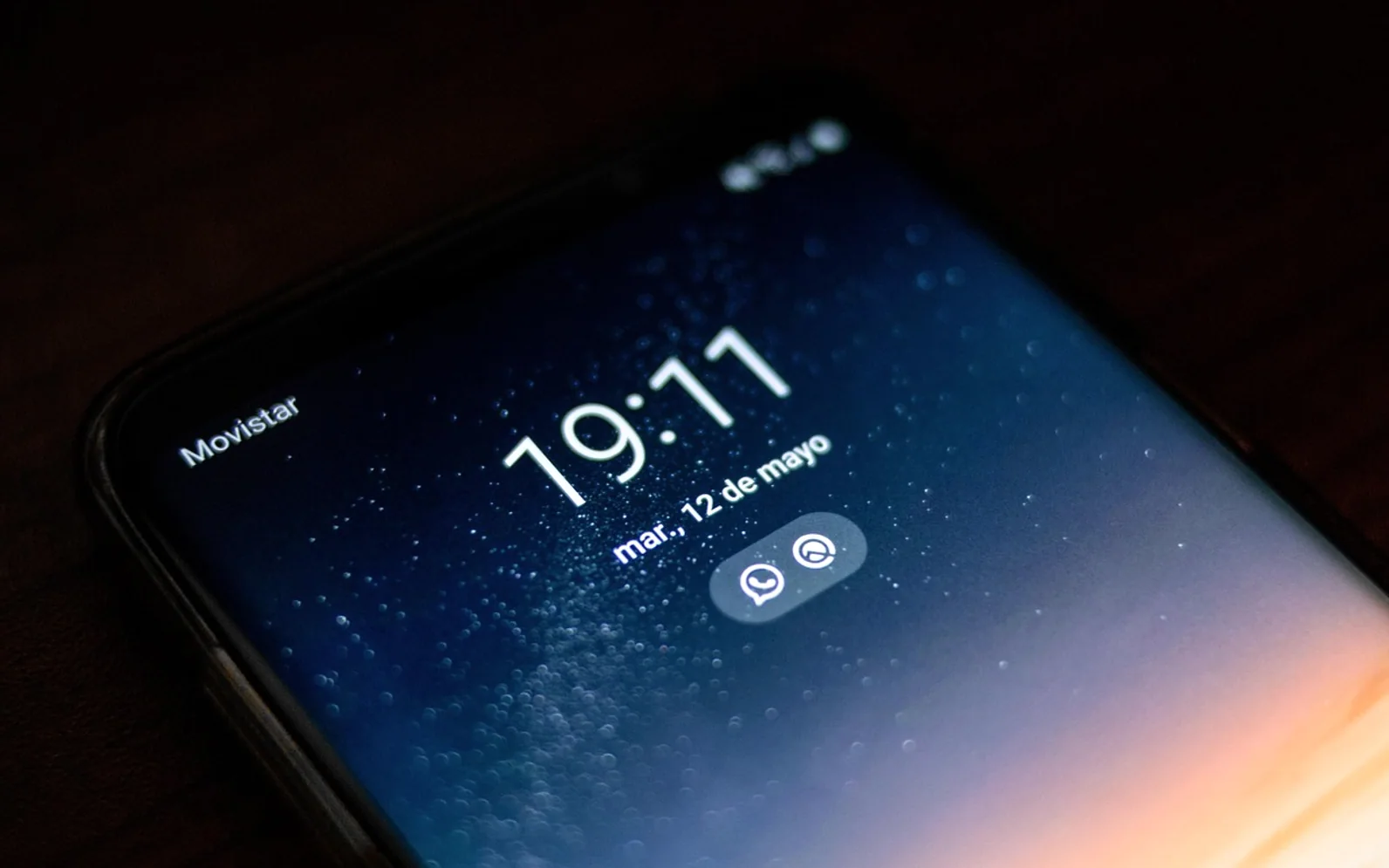
Betting and casino apps send push notifications, emails and text messages for one main reason: to prompt the next bet. Some are useful, like a confirmation that a bet has settled or a reminder of the time spent playing. Many are promotional, such as boosted odds, free spins or a deposit offer. The good news is that most marketing messages can be switched off, usually in a few minutes, through the app itself, your phone's settings and the account's contact preferences.
Turning them down does not stop you playing when you choose to. It just means the choice starts with you rather than with a message.
Why promotional messages matter
A notification arrives at a moment chosen by someone else: just before a big match, late in the evening, on the day wages typically land. It puts a bet in front of you when you were not thinking about one. For many people that is harmless; for others it is exactly the push that turns an evening off into a session. Reducing those prompts is one of the simplest forms of control available.
The three layers of settings
| Layer | Where to find it | What it controls |
|---|---|---|
| Phone settings | The notification section of your device settings, under the app's name | Whether the app can show alerts, sounds or badges at all |
| In-app settings | The app's profile, account or settings menu | Which kinds of alerts are sent, such as bet results versus promotions |
| Marketing preferences | Account settings, often under "communication" or "contact preferences" | Emails, text messages and sometimes phone calls |
Switching off notifications at the phone level is the quickest single step. Changing marketing preferences in the account stops messages that arrive through other channels.
A step-by-step routine
- Open your phone's settings, find each betting or casino app and turn off notifications, or allow only silent ones.
- Inside each app, open the settings or account page and switch off promotional and offer alerts. Keep only bet confirmations if you want them.
- Find the contact or marketing preferences and opt out of email, text and phone marketing.
- Use the unsubscribe link at the bottom of any promotional email that still arrives.
- Check again after an app update, as some updates reset preferences.
Messages worth keeping
Not every alert is a sales pitch. Some are designed to help:
- Reality checks that show how long you have been playing and your net result.
- Limit confirmations when a deposit or loss limit is set or reached.
- Security notices about logins and changes to your account.
These are part of the wider set of safer-play features described in our overview of responsible gambling tools.
Going further
Remove the app
Deleting a betting app from your home screen, or from your phone entirely, adds friction that a disabled notification cannot. Logging in through a browser takes longer, and that small delay is sometimes enough.
Take a break or self-exclude
Most licensed operators offer time-outs and longer exclusions. During these periods, marketing is generally supposed to stop as well, though rules depend on where the operator is licensed.
Filter your inbox
An email filter that sends anything from a gambling operator straight to an archive folder keeps offers out of sight.
How offers can nudge spending
Promotional offers often look like free value, yet they usually come with conditions that require more play. An odds boost on a long-shot combination, for example, can make an expensive bet look like a bargain; the hidden cost of big prices is discussed in our piece on the favourite-longshot bias. A message that arrives after a losing streak can also feed the urge to win money back, the pattern behind going on tilt.
Frequently asked questions
Will opting out of marketing close my account?
No. Marketing preferences are separate from the account itself. You will still receive essential service messages.
Why do I still get messages after opting out?
Changes can take a little time to apply, and some messages may come from separate brands owned by the same group. If they continue, contacting customer support or the relevant regulator is a reasonable next step.
A quieter phone makes it easier to bet only when you have planned to. Gambling is for adults, the rules differ by country, and a deliberate decision made at a time you choose is a far better starting point than any notification.
Before the first bet
Five quick checks
Run through these before staking anything at all.
- I have worked out the margin on the bet or the RTP of the game
- I know how this operator settles ties, voids and cancelled events
- The amount I am about to stake is money set aside for fun
- I have picked a time to stop, whatever happens
- Gambling of this kind is allowed where I live